 Bindle
A read-later app
The read-later app that can't shut down on you.
Pocket shut down in 2025 and took people's saved articles with it. Bindle keeps your library on your own iPhone, iPad, and Mac, where it stays put. You don't need an account.

hero-iphoneScreenshot to come: Bindle on iPhone: the library as a grid of cover cards, with Listen and Read at the top of Up Next.Saving
Save from anywhere
If you can share it, you can save it.
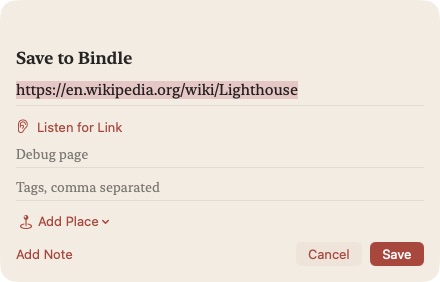
Bindle is in the share sheet and has a button in Safari. You can also paste a link, drag one in, or ask Siri. On the Mac there's Quick Add, which opens from any app with a keyboard shortcut.
If the link is on another of your devices, Listen for Link picks it up as a short chirp through the microphone. Either way, Bindle strips the tracking codes off the address before it saves anything, and saving a page you already have brings back the link you saved before.
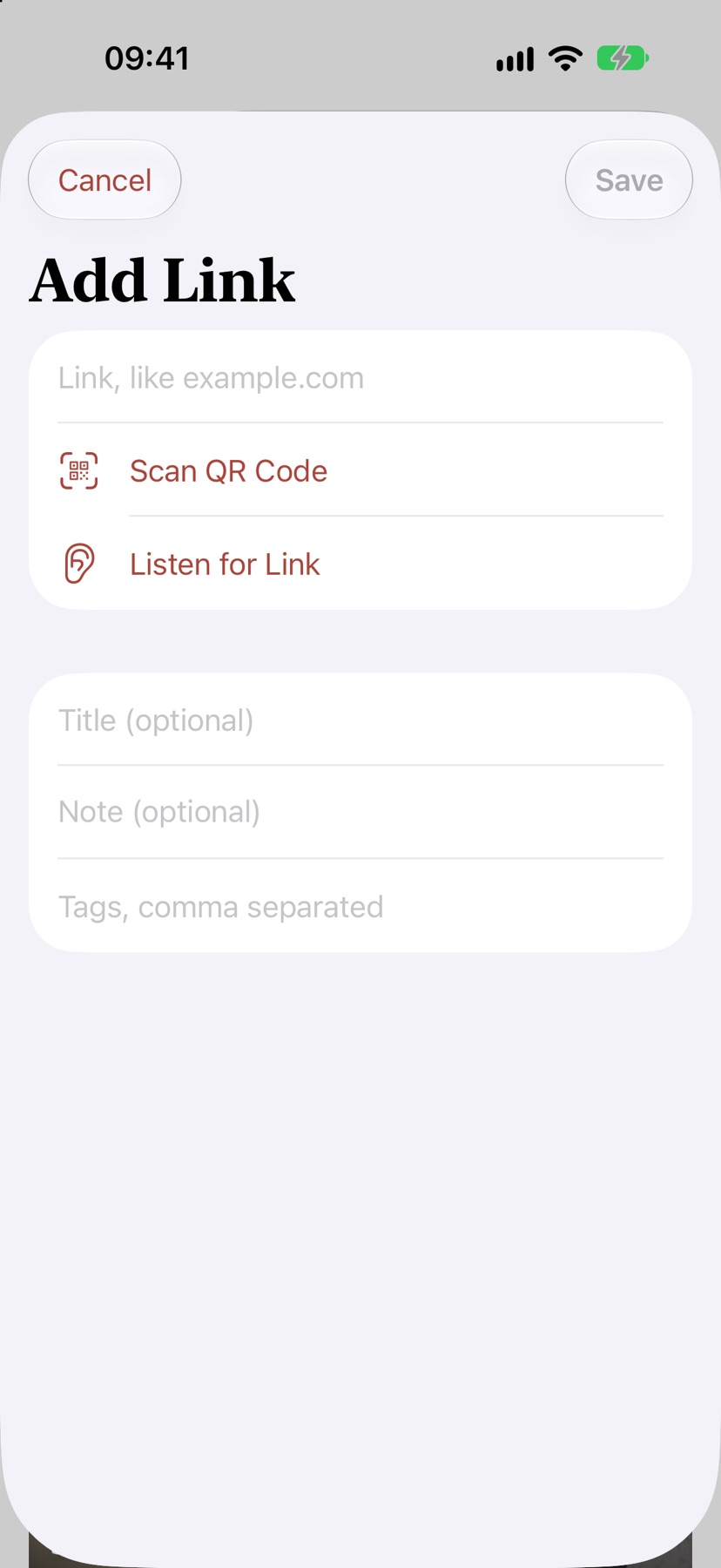
saveScreenshot to come: The Add sheet on iPhone, with a pasted link and the ways to bring one in: scan a code or listen for a link.Your devices
Pair once, then forget about sync
Your devices catch each other up whenever they're near each other.
To pair two devices, scan a QR code, open a pairing link, or let one play a short sound to the other. Both screens show a six-digit code, and you check that they match. A new device that pairs with any one of yours joins all of them.
Sync runs over your home network or Bluetooth. It's encrypted end to end, and every change is signed, so nothing outside your own devices can read or fake it. A link you save on the train reaches your Mac when you get home.
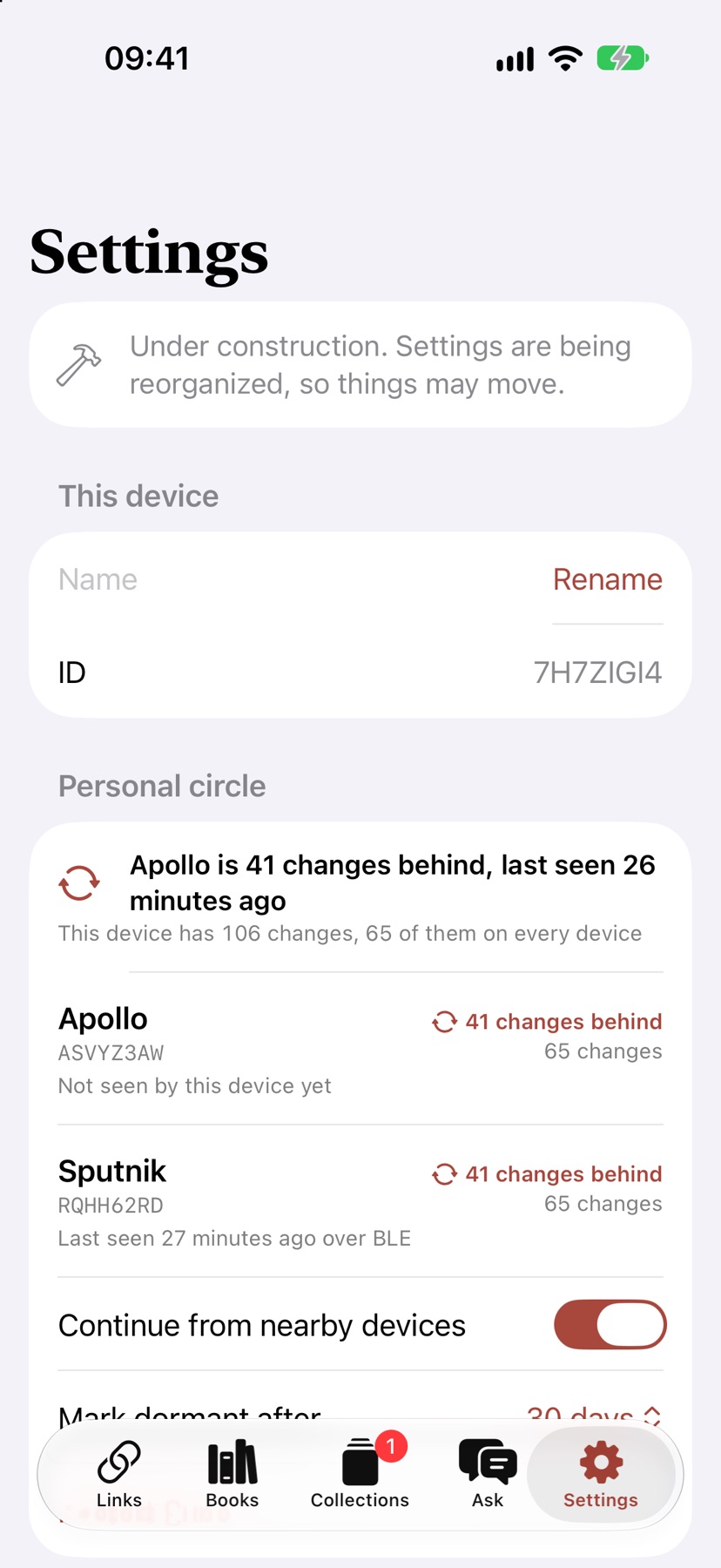
syncScreenshot to come: Personal circle in Settings: three devices, all synced, with Add Device.Reading
Reading, even offline
Bindle keeps its own copy of every article, so a dead connection or a deleted page doesn't stop you.
It fetches that copy without your cookies or the site's scripts. Articles open in New York, Apple's serif, and you can switch to Libron, Atkinson Hyperlegible, or OpenDyslexic if you read better in one of those.
Highlight a passage and add a note, and Highlight Review will bring it back on a later day. Your place follows you, too: open the article on your iPad and it offers to pick up at the paragraph where you stopped on your phone.

reader-iphoneScreenshot to come: The reader on iPhone: a serif article with a large initial letter and a yellow highlight.Hands-free
Read without touching the screen
For when your hands are busy, or you're tired of swiping.
Auto-Scroll moves the page at a steady reading pace. On iPhone and iPad, Tilt to Scroll follows how you hold the device, and Pause When You Look Away stops the page when you look up. The camera handles that on the device and records nothing.
Speed Read shows one word at a time, anywhere from 150 to 1,000 words a minute.
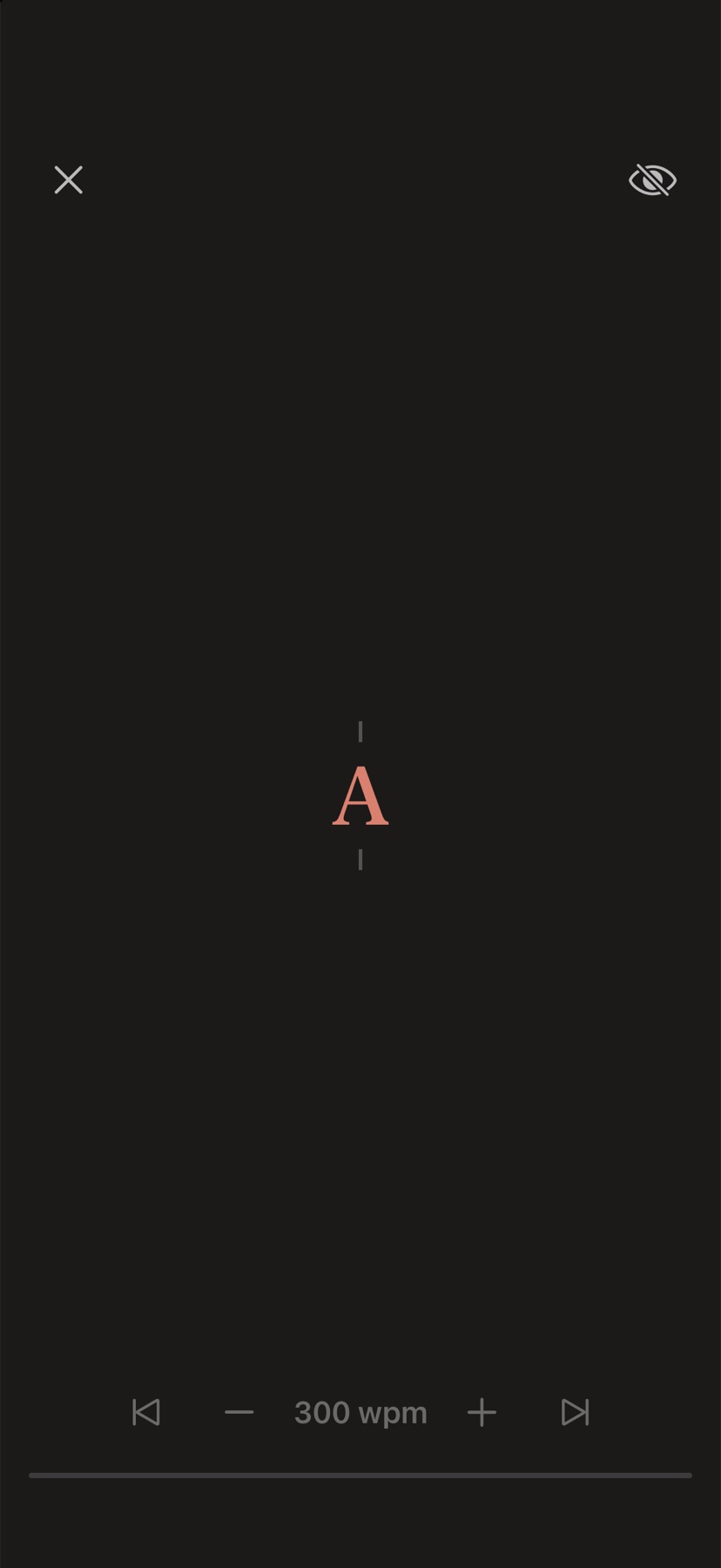
speed-readScreenshot to come: Speed Read on iPhone: one word at a time, its focus letter in the accent color.Listening
Listen to anything you saved
Bindle can read articles and books aloud in a natural voice that runs on your device.
The voice is Kokoro. You download it once, and after that it works with no connection. The system voices are there too.
Open the full-screen player and turn on Show Text to follow along as each word lights up. You can listen with the screen locked, set the speed anywhere from 0.8x to 2x, and add a sleep timer. Up Next is one queue for reading and listening, and it's the same on every device.

listenScreenshot to come: The full-screen Listen player with Show Text on: the sentence being read, each word lighting up.Ask
Ask your library a question
Ask Your Library answers from the articles you saved and shows you where each answer came from.
Every answer has numbered sources. Tap one and the reader opens at that passage. If nothing you saved covers the question, it tells you so instead of making something up.
It uses Apple Intelligence on your device. A device without it can leave the question for one that has it, like your Mac.
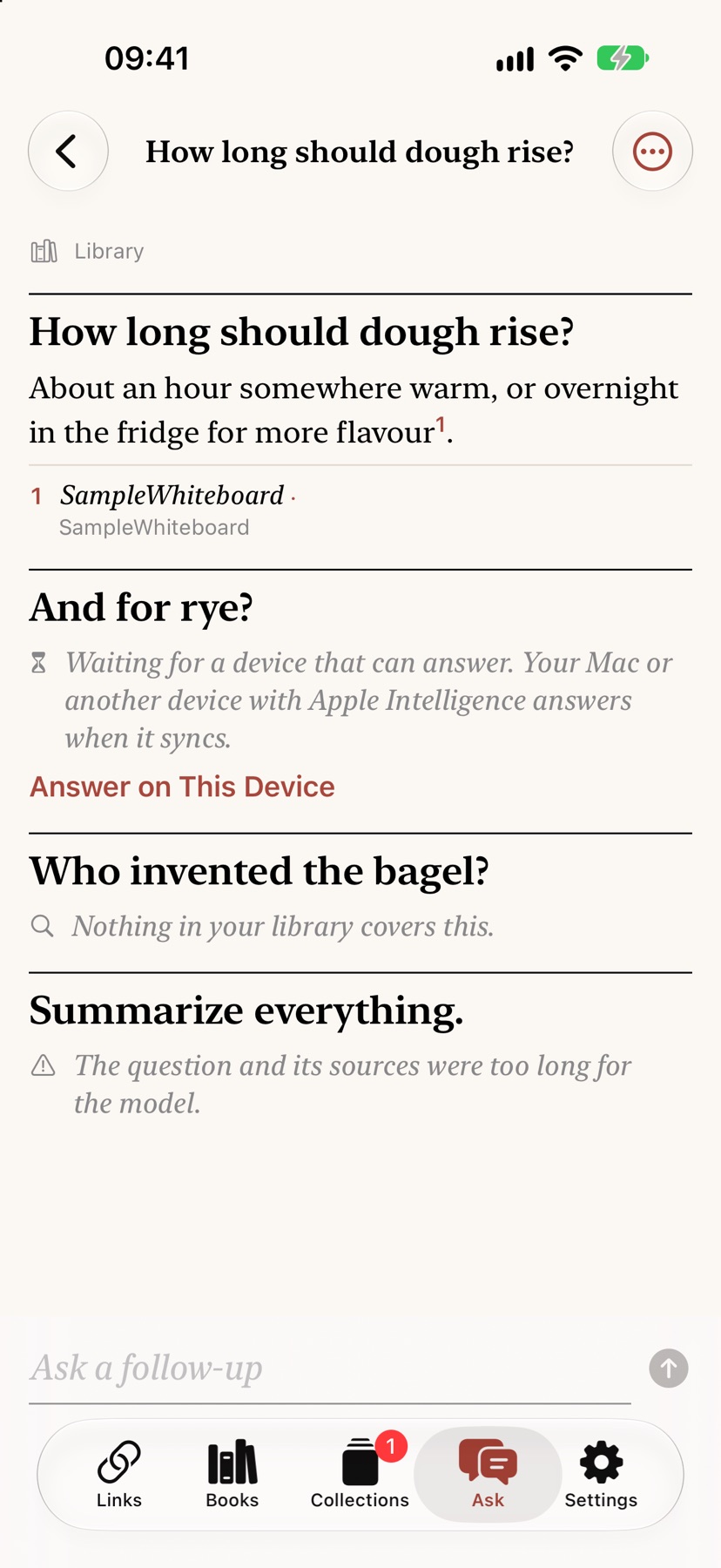
askScreenshot to come: Ask Your Library on iPhone: a question, its answer, and numbered sources from saved articles.Search
Search by what you remember
You usually remember what an article was about, not the words in it.
Search by meaning uses a small model on your device, so "seaside critters" finds an article about tide pools. Full-text search covers titles, notes, highlights, and the saved copies, and it works offline.
Results are grouped by why they matched: In the title, In the text, or Close in meaning. Words in pictures and PDFs turn up too.
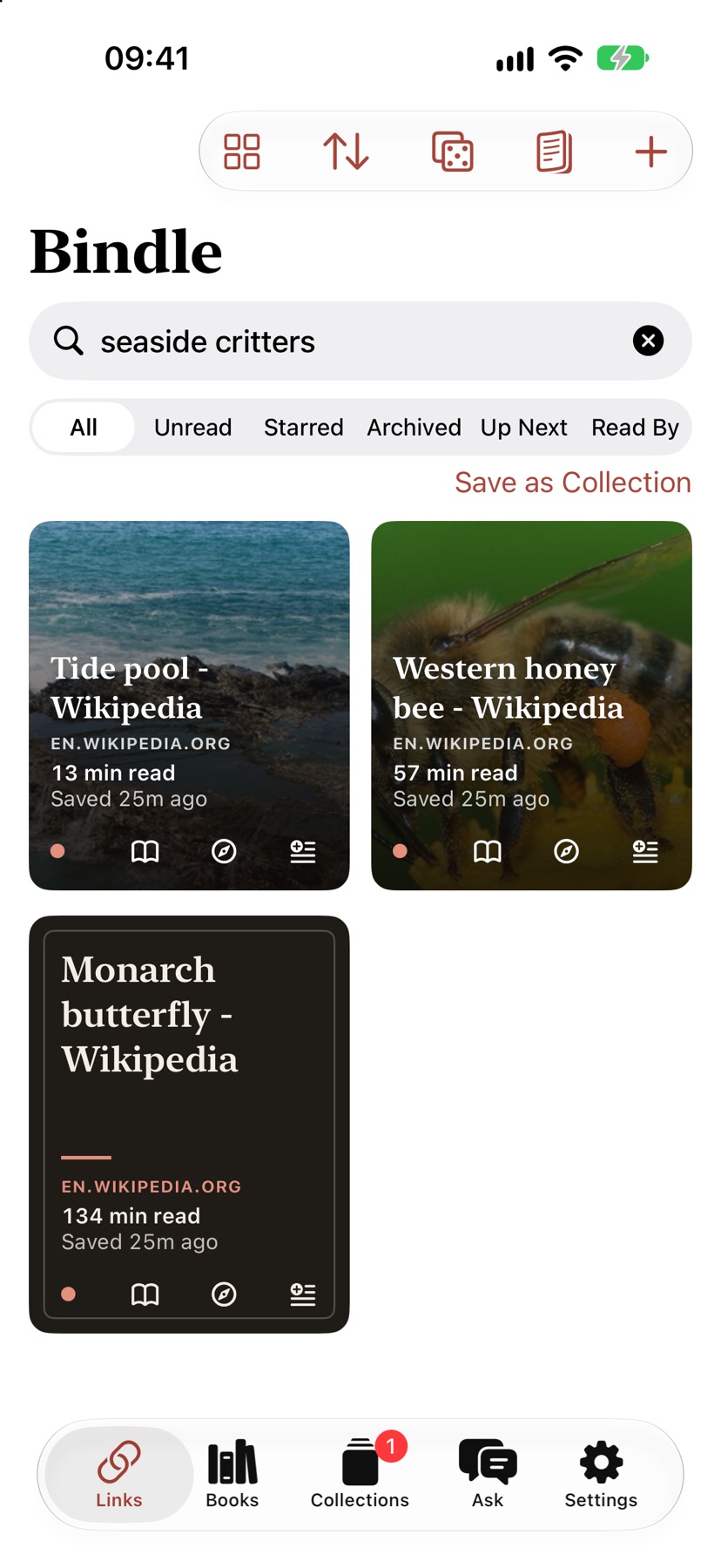
searchScreenshot to come: Search for "seaside critters" finding an article about tide pools under Close in meaning.Organizing
Organize it, then actually read it
Tags and collections are there if you want them. The bigger help is getting old saves back in front of you.
Use tags, stars, the archive, and collections, smart or manual, which can nest. Give a link a Read By date and Bindle will tell you when it's overdue.
Rediscover brings back links you saved a while ago, and Random Article picks one when you can't decide. Focus filters can limit Bindle to one collection while a Focus is on.
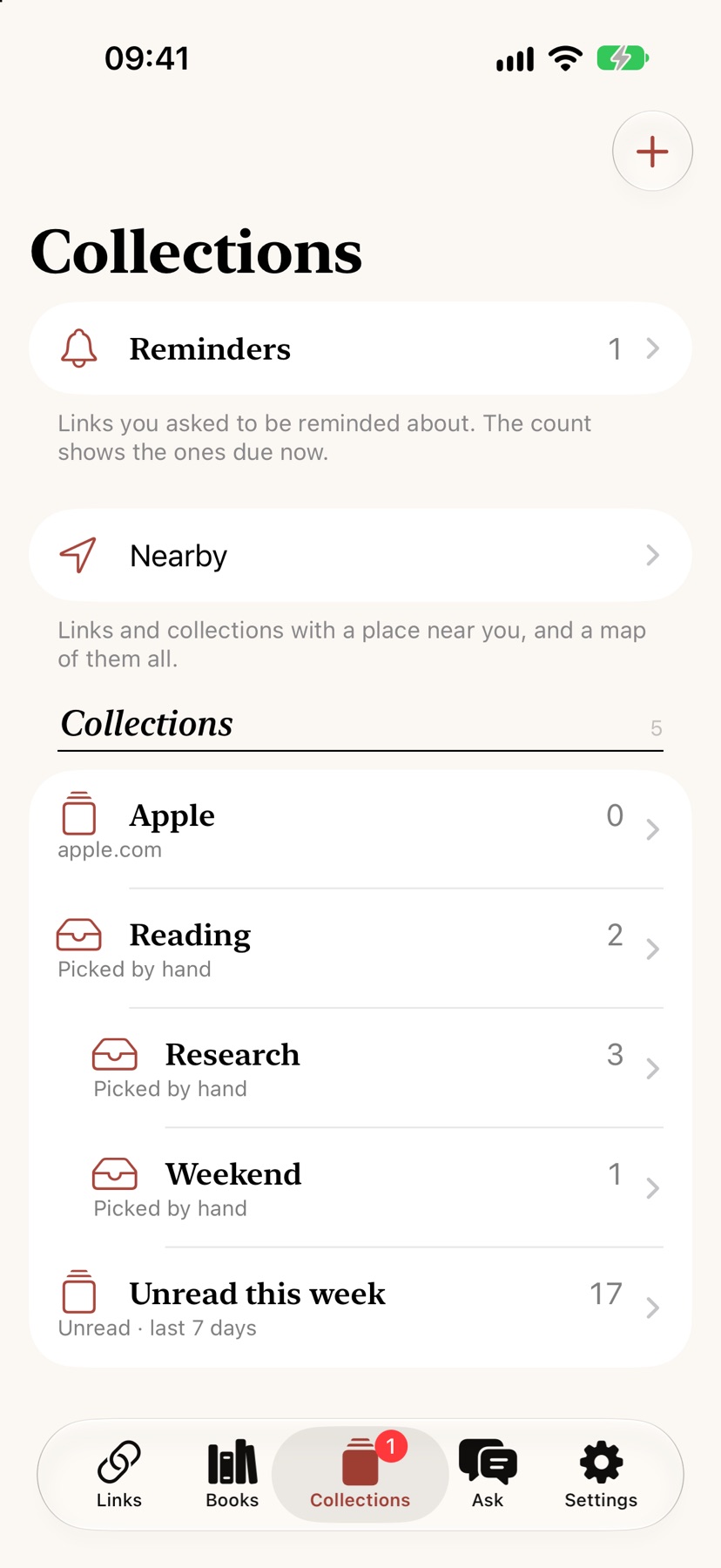
organize-iphoneScreenshot to come: Collections on iPhone: smart and manual collections, reminders, and Nearby.Reminders
Reminders for the right moment
Get reminded about a link at a time, at a place, or when you're with one of your devices.
Save a recipe and have it come up when you get home, or set a long read to wait for the next time you're at your Mac.
Nearby shows what's waiting for where you are, as a list or on a map. Bindle reads your location on the device and doesn't keep it.
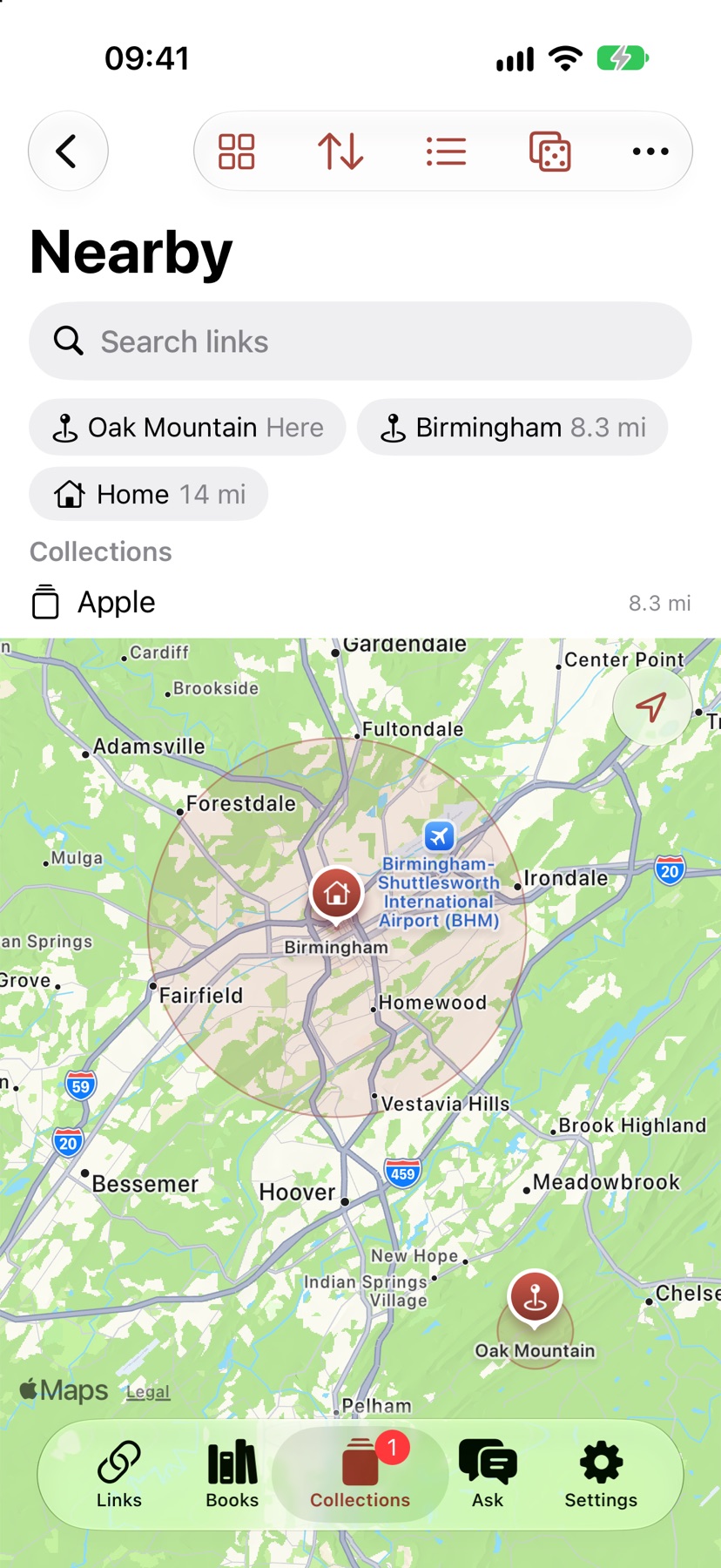
remindersScreenshot to come: Nearby on iPhone: a map of places with links waiting to be read there.Books and files
Books and PDFs, next to your articles
EPUB books open in the same reader as everything else.
Books get highlights, Listen, and Speed Read, and your place in them syncs. The book files themselves move between your devices over your local network.
PDFs and images can go in your library too, and Bindle searches the words inside them. Bindle's own guide comes as a book you can practice on.

books-iphoneScreenshot to come: Books on iPhone: Reading now with Continue and Listen, then the shelf.Widgets and Siri
On your Home Screen, and in Siri
Your reading, where you already look.
There are widgets for Up Next, Newest Unread, Rediscover, Reminders, Lists, and Nearby, and an Unread count for the Lock Screen.
Siri phrases like "Continue reading in Bindle" work without any setup. There are Shortcuts actions as well, a Control Center control, and the Action button.

widgetsScreenshot to come: The iPhone Home Screen with Bindle's Up Next and Lists widgets.